
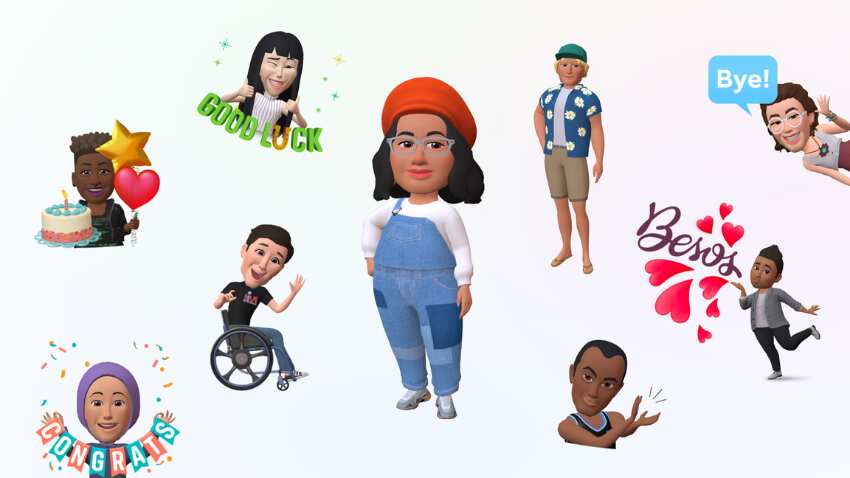
Meta New Feature: Now you will be able to use 3D Avatar easily on these social media platforms. For this you just have to follow the tips given below.
Meta New Feature: Facebook, Messenger, Instagram's parent company Meta has been in discussions about its 3D Avatar for a long time. Users will now be able to use Meta's new 3D avatar. The company has started rolling out its updated avatar. Now you can send your animated 3D Avatar to the person in front of you via Direct Messages. Let us know how you can use it.
What will be special in the updated features
This is how you can create 3D Avatar on Facebook, Instagram and Messenger
First open the app and then click on Menu.
Scroll down and click on 'Edit your Avatar'.
There are many options available for you to customize on Facebook.
Using these options, you will be able to set your avatar's dress, face shape, eyes and hair.
how to share your avatar
To share an Avatar, go to the Avatar section
After that scroll down and click on Share to Feed option
You can now share the avatar on your feed
Similarly, you will be able to create avatar on Messenger and Instagram. For this, you just have to click on the profile picture and follow the status given above.
You can use stickers like this on Messenger
First of all open messenger app
Now open anyone's chat and select profile
Select your favorite sticker and send


No comments:
Post a Comment